Make an Offer Widget
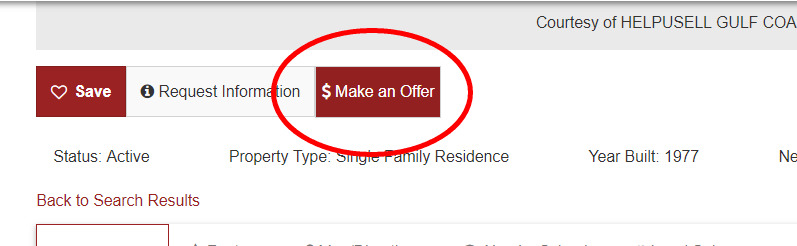
The Make an Offer Widget when enabled, will display a red '$ Make an Offer' button on the Listings Details page
To enable this feature, log into the oms and navigate to the Setup/Website Setup section under the left menu and click on the '+' icon to expand 'Website Settings' (A).

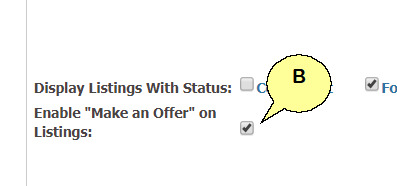
Scroll down to the bottom of the section en check the box 'Enable Make an Offer on Listings' (B).